In VCF Automation 9 there are two types of organizations (org), the All Apps org and the VM Apps org. A VM Apps organization can run VM-based applications and an All Apps organization can run a both VM-based applications plus containers, Kubernetes based applications and much more. VM Apps organizations are still supported mainly for those transitioning from Aria Automation. All Apps orgs is the default and recommended org type going forward so that is what this blog will show you how to create.
More information regarding the different organization types can be found here:
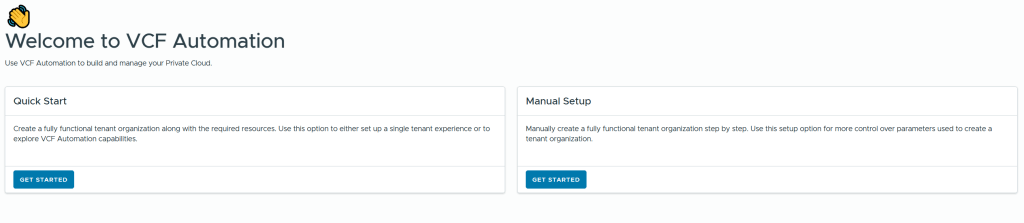
When logging into VCF Automation for the first time you get to choose between Quick Start or Manual Setup. I will use Manual Setup to learn the process and get better control of the configuration. My environment is built using Holodeck 9 so if you also have that you should be able to follow my steps exactly, as long as you also have followed my previous posts where I deployed a workload domain with vSphere Supervisor enabled and an NSX Edge cluster.
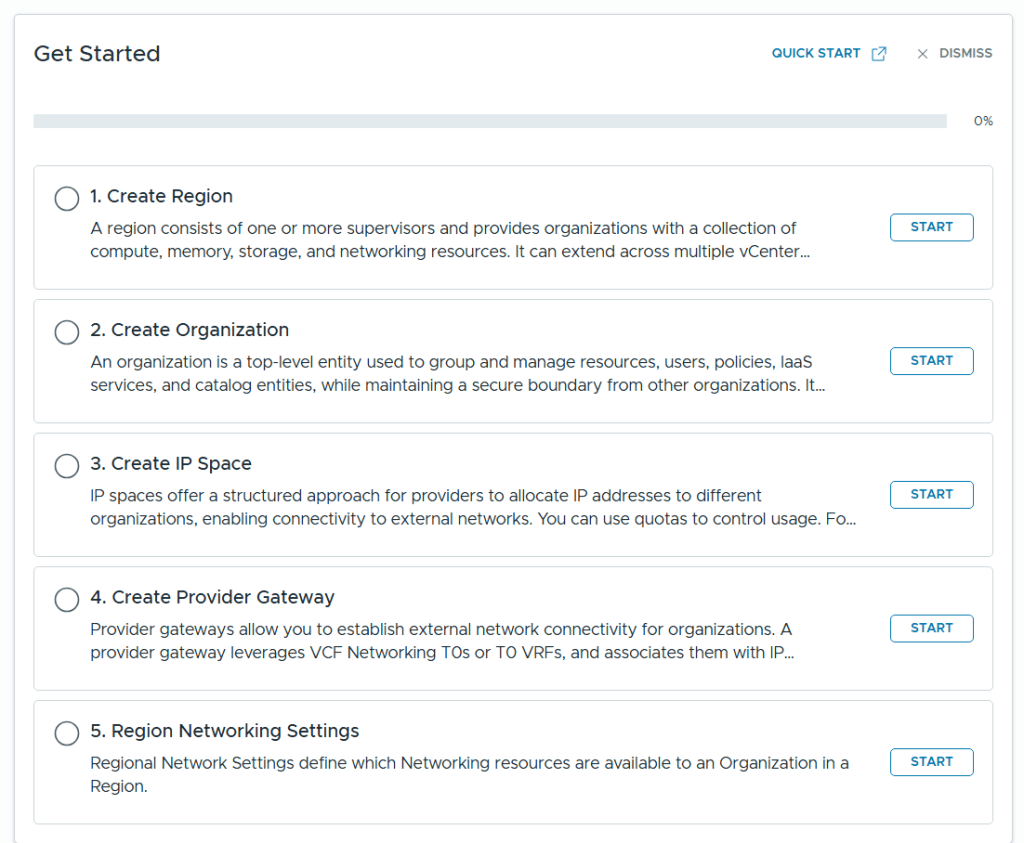
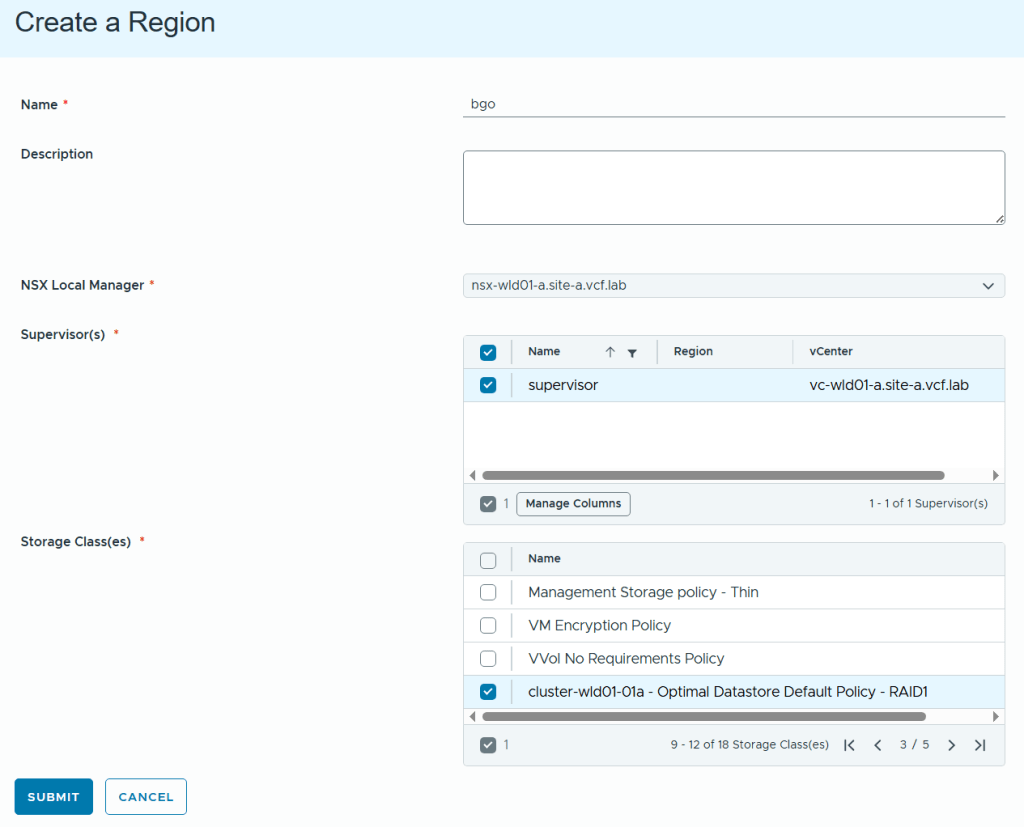
Even when selecting Manual Setup we still get a nice getting started workflow to help us with all the required steps in the correct order.
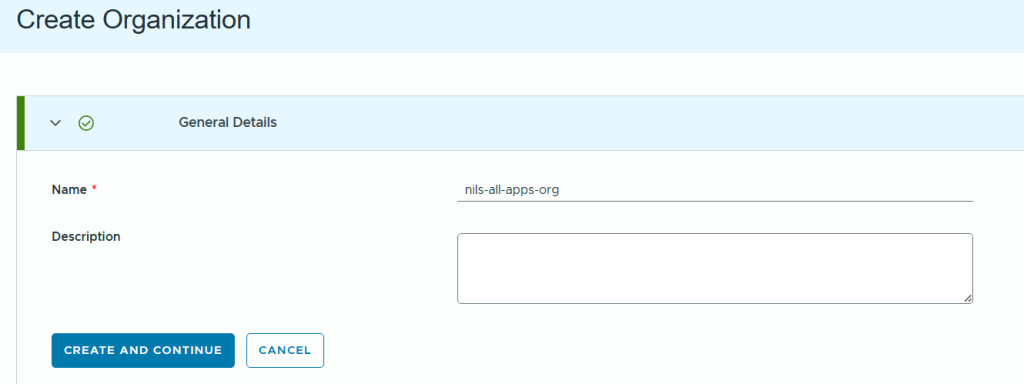
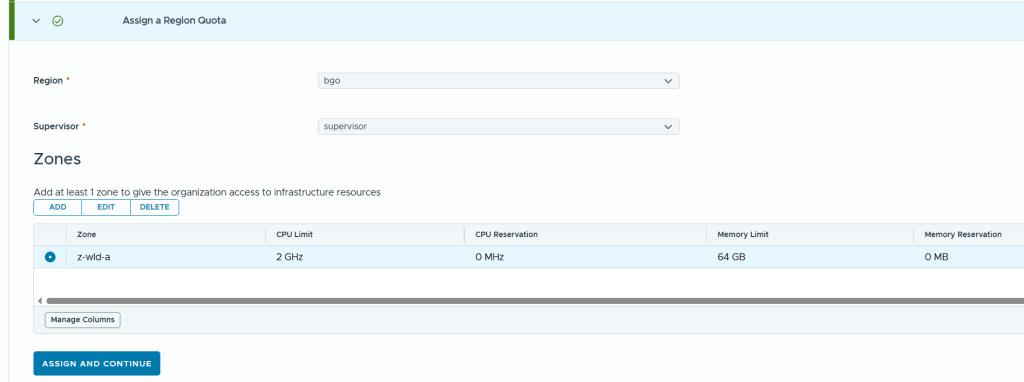
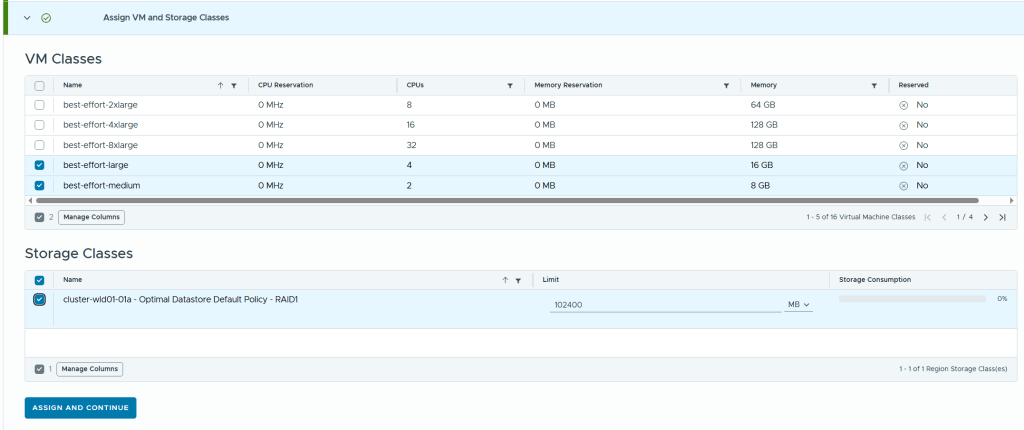
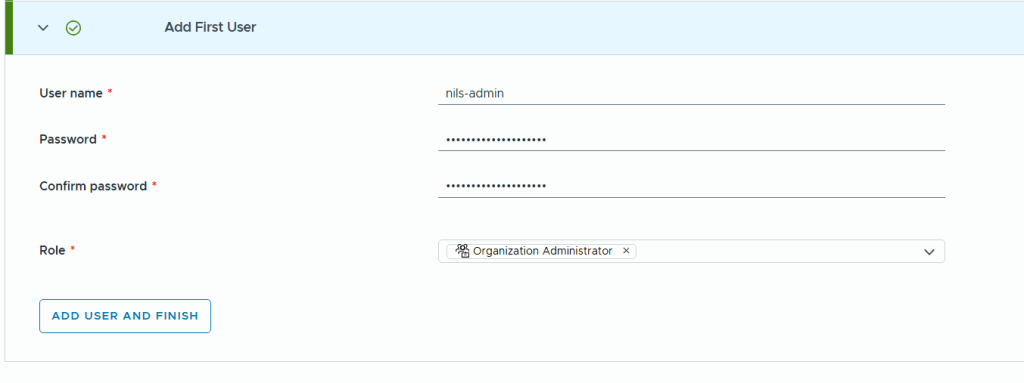
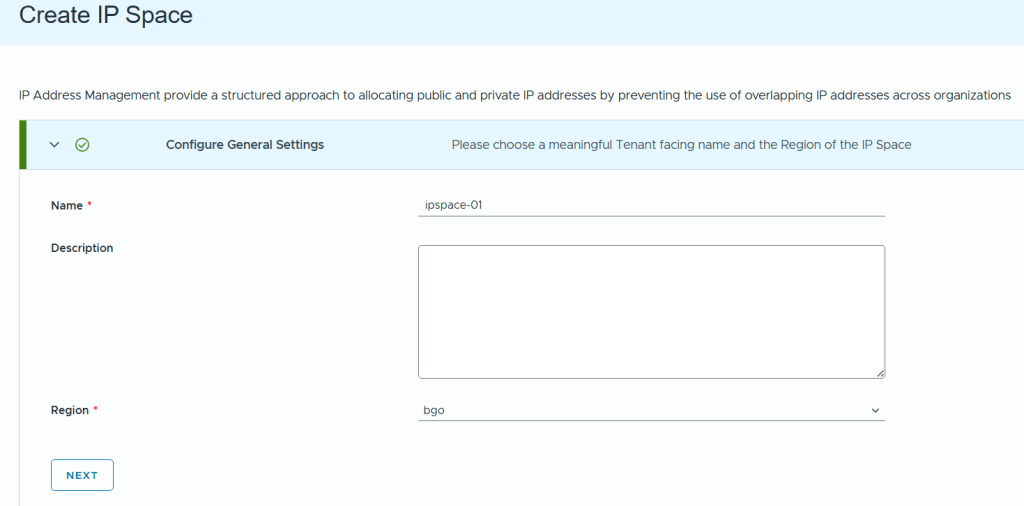
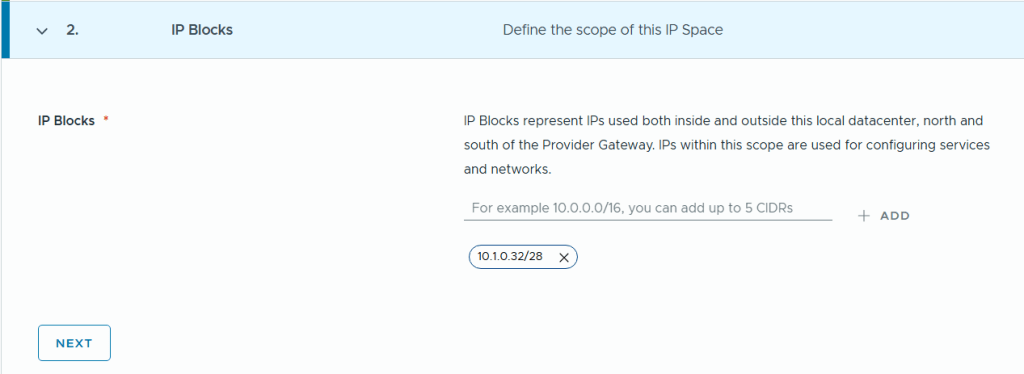
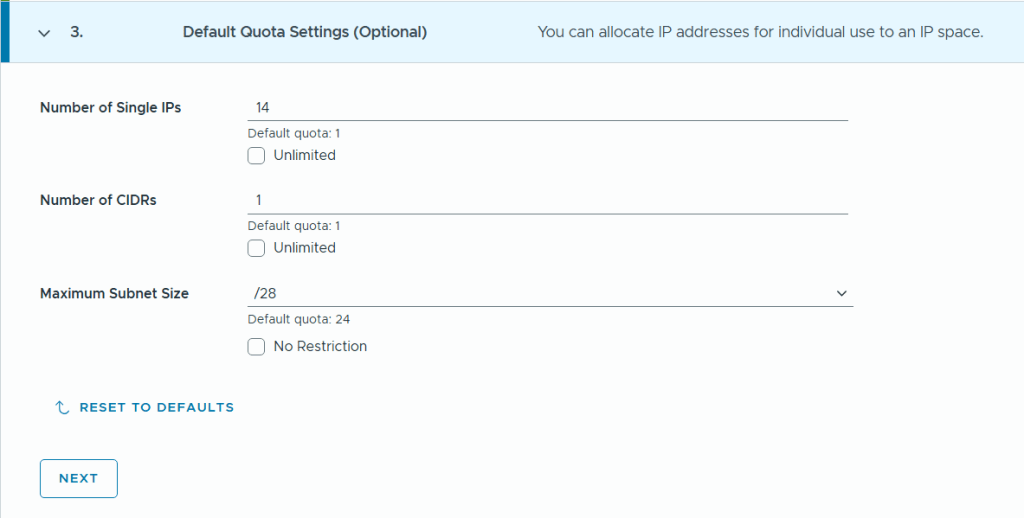
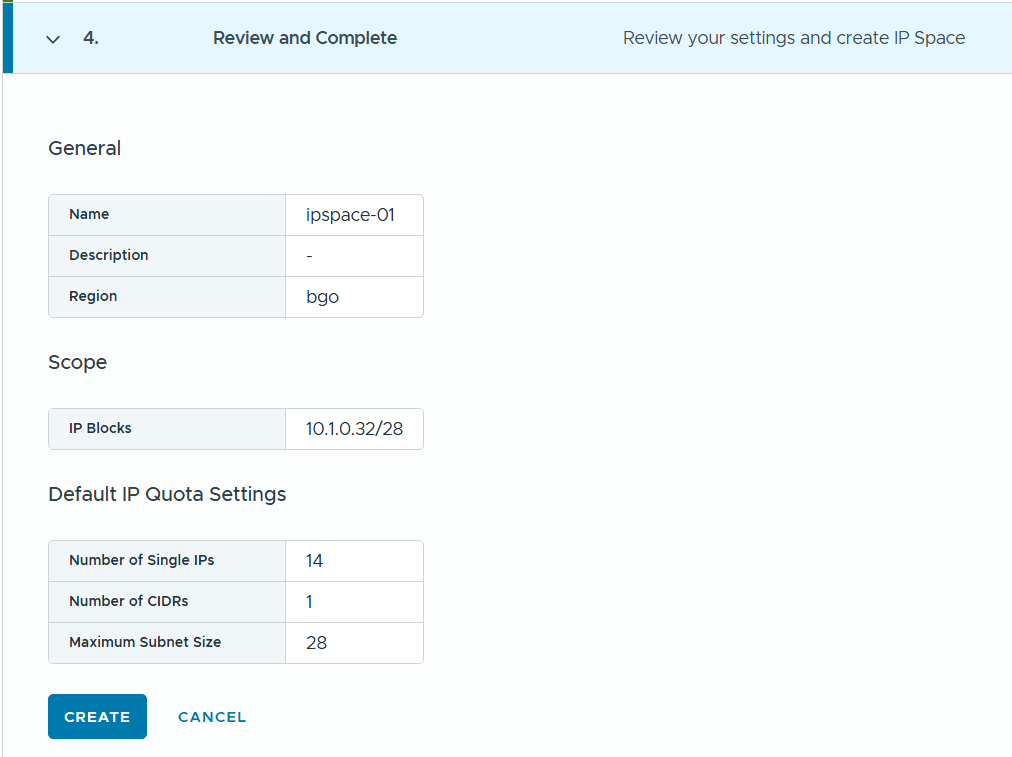
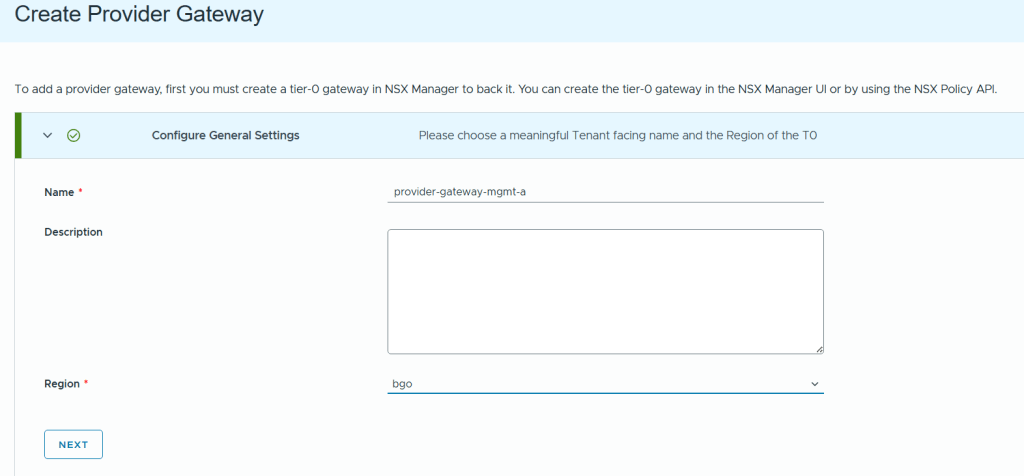
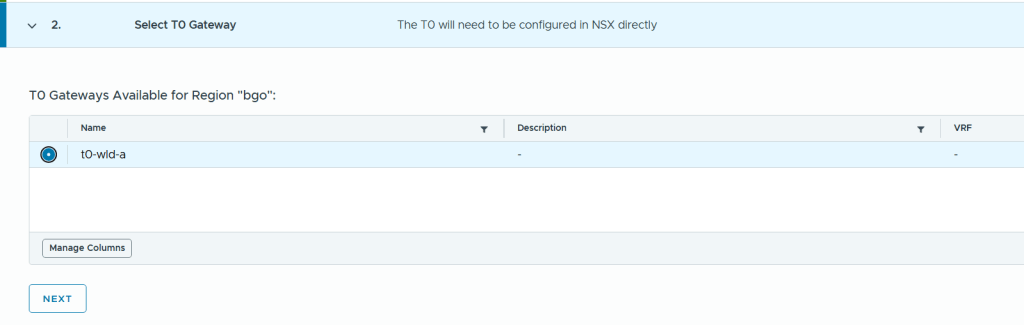
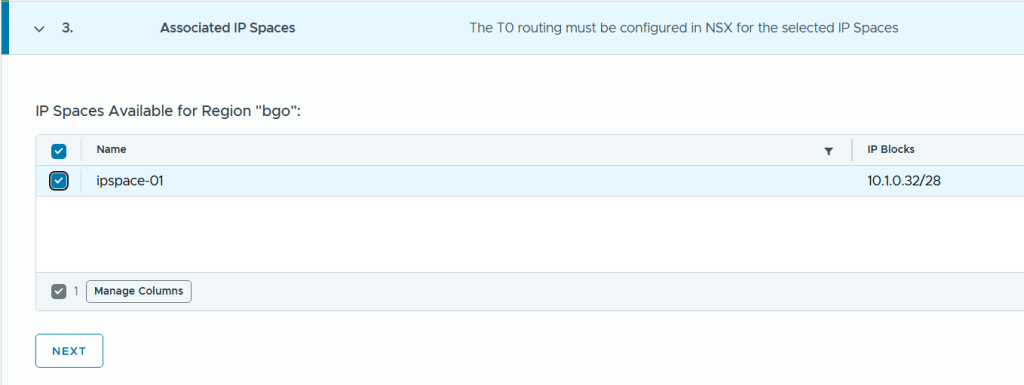
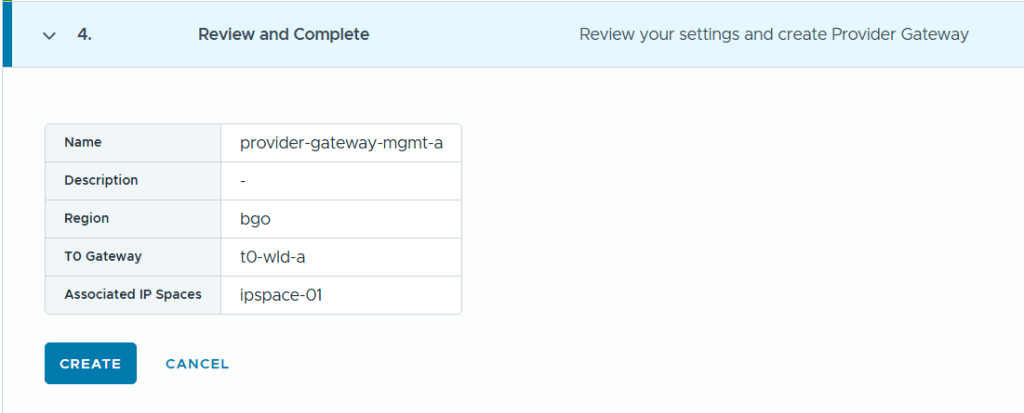
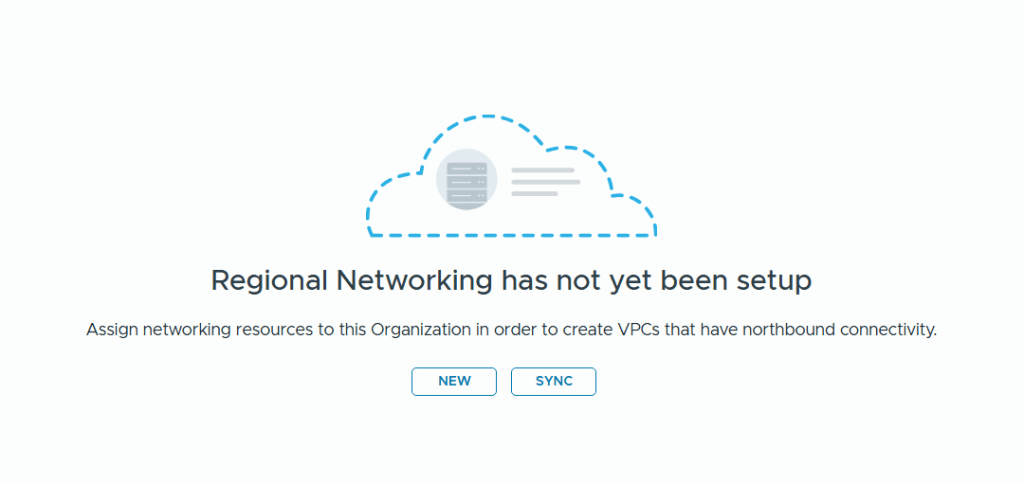
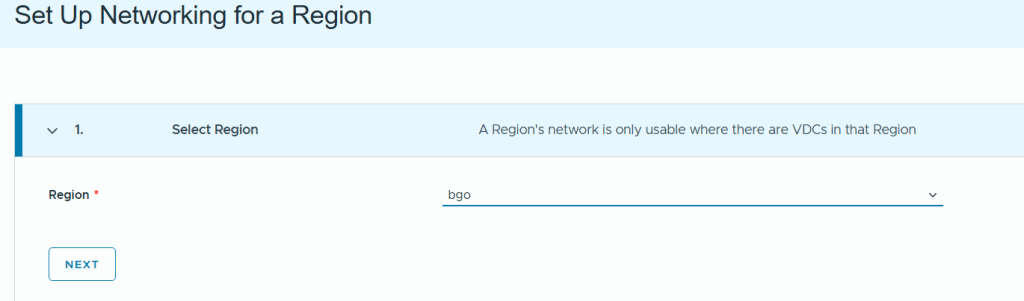

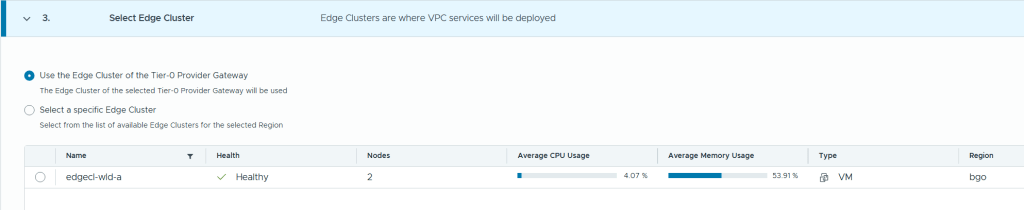
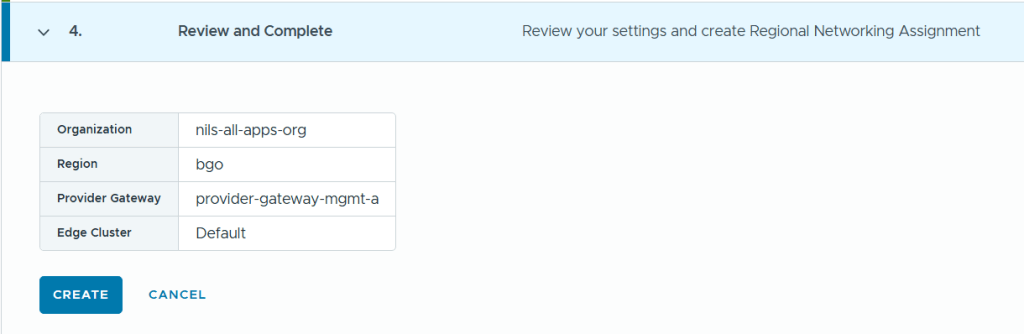
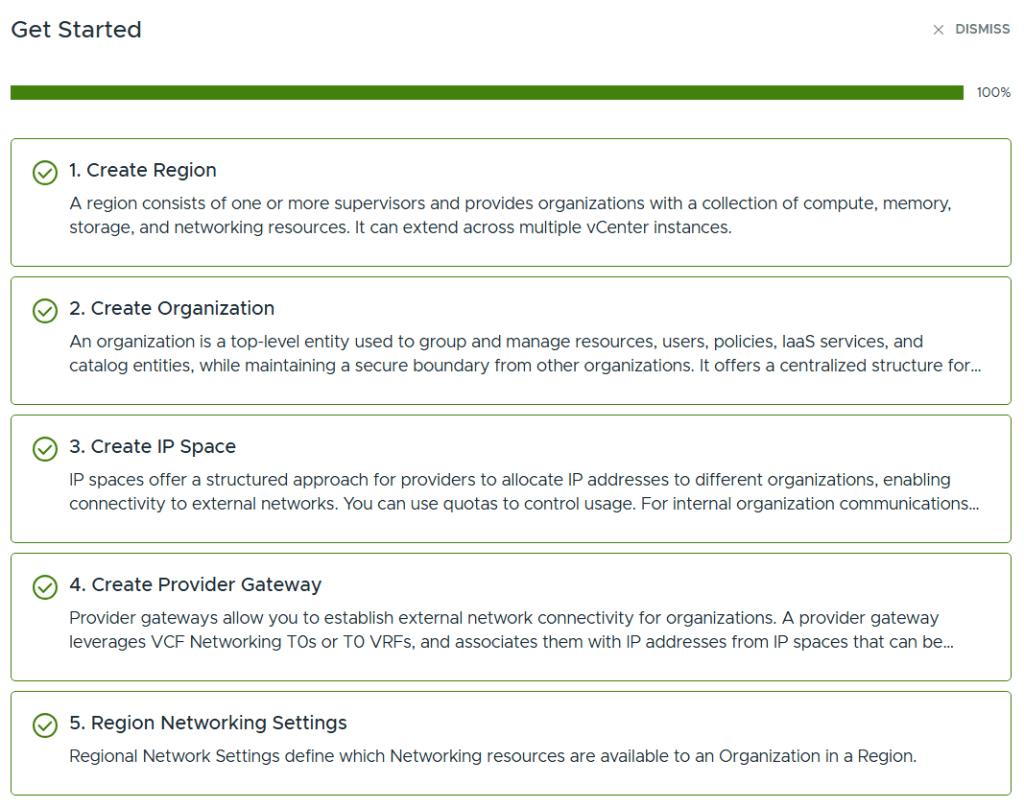
When all the steps are completed we can see that the status of the getting started page is all green. We can then go ahead and create workloads to be deployed using the vSphere Supervisor.