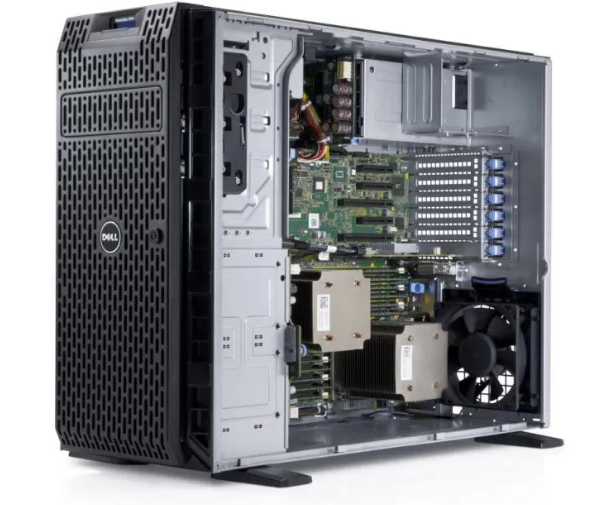
I have an 11 years old Dell PowerEdge T420 server in my basement. This server already ran ESXi 7 and 8 without problems (!) but it lacked the performance to do everything I wanted it to do, like running VMware Cloud Foundation (VCF).
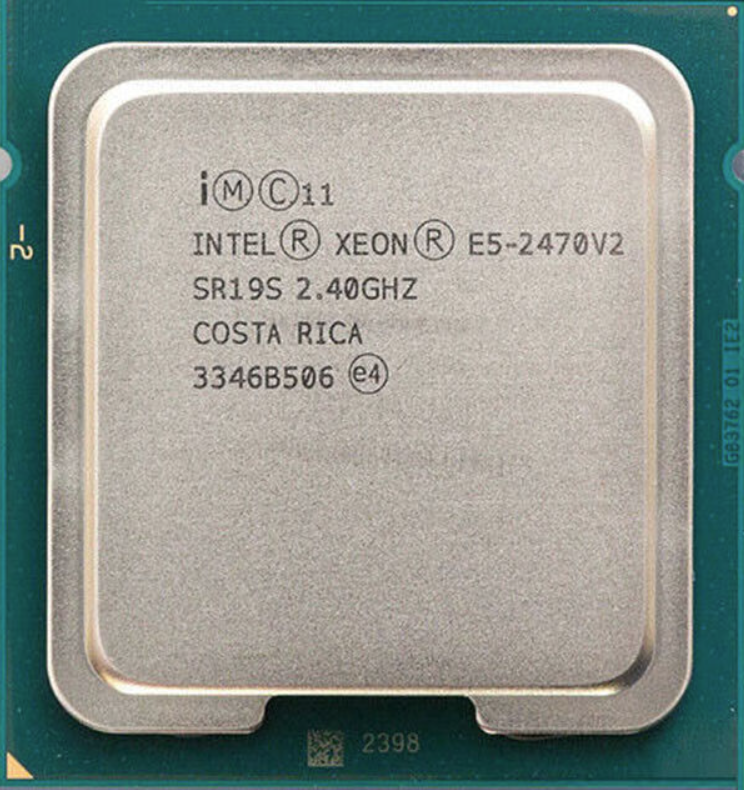
I investigated options to upgrade the server, and since it aleady had its maximum amount of memory (384 GB) I started looking into what kind of CPUs it would take. I found that it should work with any Intel Xeon E5-2400 CPU so I searched for Intel Xeon E5-2470V2 3.2GHz Ten Core CPUs since that is the fastest one in that generation. One nice thing about wanting to buy such old hardware is that you can often find it cheap on eBay, and I don’t care if they are used and lack warranty. I quickly found two E5-2470V2 CPUs for a total of only $19.00.
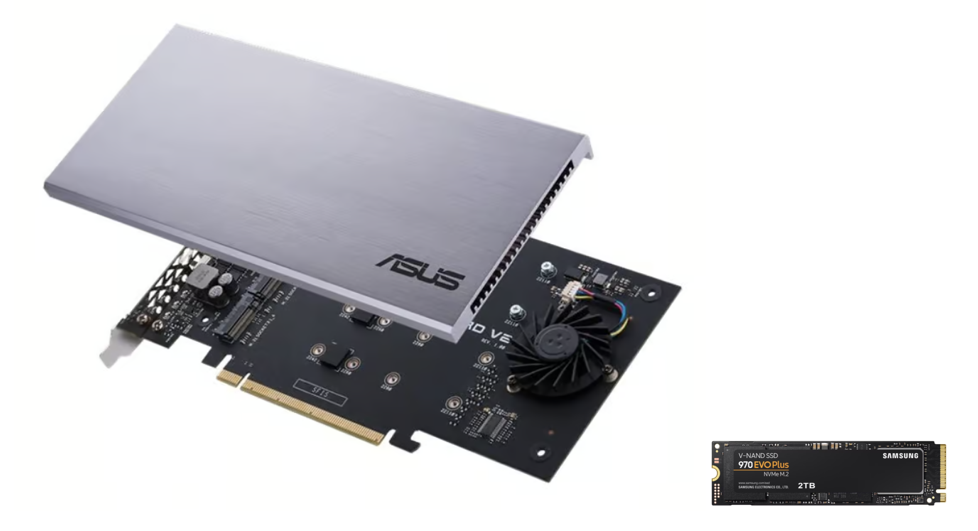
I then looked into what kind of storage my server would take and after some investigation I figured I would get the best performance using an M.2 NVMe SSD to PCIe adapater. Since my server only supports PCIe 3.0 I was also able to get a cheaper adapter and NVMe device compared to the 4.0 versions. I went for the ASUS Hyper m.2 X16 Card which has active cooling and room for four NVMe devices in case I want to expand later. I also got the Samsung 970 EVO Plus 2000GB M.2 2280 PCI Express 3.0 x4 (NVMe) which was on sale, and also happens to be the same NVMe I use for ESXi 8 in other hosts so I know it works well.
Installing the new hardware went without any problems. However I didn’t figure out how to boot from the NVMe device so it still boots from SAS drives. This is not a big issue for me and I can replace the SAS drives with a regular 2.5 inch SSD at any time. The NVMe will be used for hosting virtual machines like nested ESXi hosts.
Soon after checking that everything was working I deployed VCF 5.0 onto the NVMe device using VLC like I always do. It seemed to go well, but the ESXi hosts would not start indicating that the CPUs were incompatible with version 8. Adding the last three switches to the following line in VLCGui.ps1 let me install ESXi 8 successfully:
$kscfg+="install --firstdisk --novmfsondisk --ignoreprereqwarnings --ignoreprereqerrors --forceunsupportedinstall`n"
VCF bring-up only took 1 hour and 50 minutes which I am very happy with.
Deploying NSX Edge Nodes onto this server failed with “No host is compatible with the virtual machine. 1 GB pages are not supported (PDPE1GB).” Adding “featMask.vm.cpuid.PDPE1GB = Val:1” to the Edge Node did not resolve this problem either. I ended up adding all of these advanced settings to the nested ESXi hosts to solve the issue:
featMask.vm.cpuid.PDPE1GB = Val:1
sched.mem.lpage.enable1GPage = "TRUE"
monitor_control.enable_fullcpuid = "TRUE"
Unfortunately I have not yet had the time to figure out if all of these three settings were required, or only one or two of them, but I am very happy that I can run NSX Edge Nodes.
VCF 5.0 runs fine on my old server and the performance is great. I think getting an old server and do a few upgrades can be the cheapest and best way to get a high performing environment in a home lab compared to Intel NUCs or building a custom server with only new components. But there are some caveats like the CPUs could be unsupported for what you need to run. Other hardware like storage controllers and NICs may also not be supported by the OS or hypervisor you wish to install. Noise can also be a problem if you need to keep it running in your office.
 CyberNils.net
Most any EFI-capable server can be made to boot an OS from an NVMe drive — even if the system is “too old for NVMe.” The initial bootstrap (i.e. the very first thing the system ROM reads from storage) has to occur from a device that it understands like a USB key or an HDD. This should be the designated boot device in the system ROM setup.
This bootstrap device would contain a bootloader like rEFInd or GRUB and its configuration should include the NvmExpressDxe.efi driver from the Clover project. This bootloader then “chainloads” the ESXi bootloader on the NVMe drive. Now we’re off to the races!
It took me half a Saturday afternoon and a lot of stumbling around to figure this out.
LikeLike
Hi, I have read about this before but decided it was not worth it for me. Like you said, it would take a half Saturday afternoon to get this working just to get ESXi boot a few seconds faster so I don’t think I will try this approach. But thanks for commenting – it could be useful for someone out there.
LikeLike
Hi,
I understand that the Dell PowerEdge T420 does not support PCI bifurcation, so I assumed that only the first drive on the ASUS Hyper M.2 X16 Card would be recognized. However, it seems that you’ve managed to recognize multiple drives on the card. Is that correct?
I’m planning to use a T430 to build a VCF environment, so I’d greatly appreciate it if you could share details about the BIOS settings or any other configurations you used to achieve this setup.
LikeLiked by 1 person
Hi, unfortunately only one NVMe device can be used in the ASUS card due to missing support for PCI bifurcation, so I have also installed a RaidSonic ICY BOX IB-PCI214M2-HSL card to be able to use multiple NVMe devices in the server. Hope this helps.
LikeLike