For the vSphere Supervisor that I deployed in my last post to work I needed to deploy an NSX Edge Cluster. This can now be done in the vSphere Client so that is what I chose to do to get some experience with this process.
This is done by going to the vCenter for the Workload Domain and select Networks, Network Connectivity and click on Configure Network Connectivity.
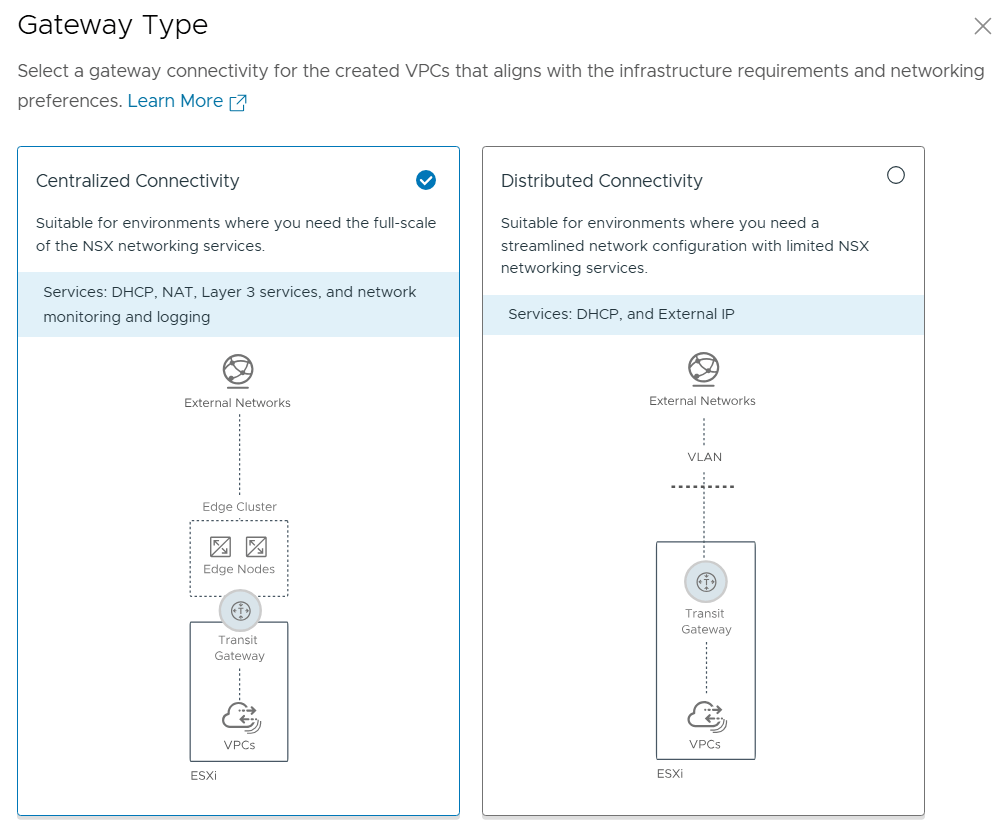
We get the choice between Centralized Connectivity and Distributed Connectivity. Centralized Connectivity is required to use VCF Automation All Apps and vSphere Supervisor so that is what I chose.
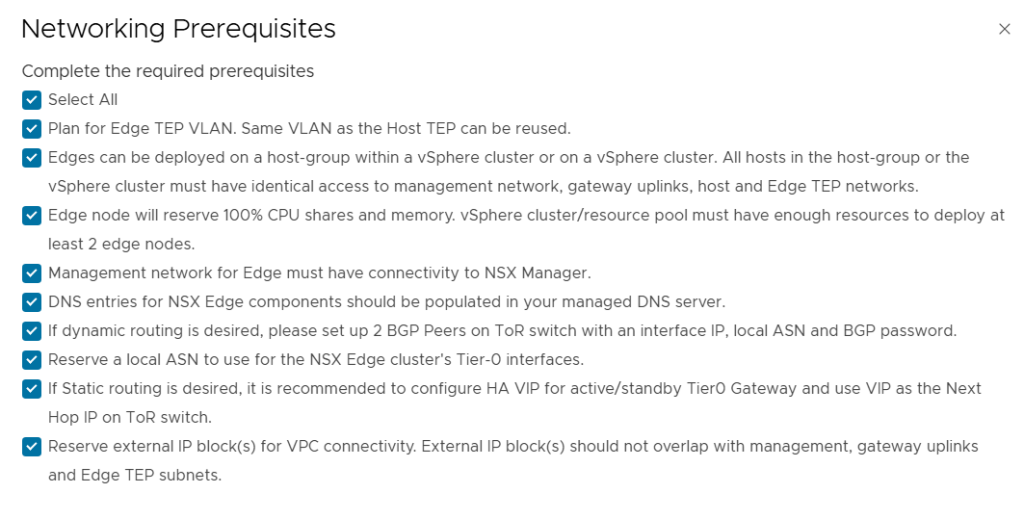
I reviewed and accepted all the prerequisites and clicked on continue.
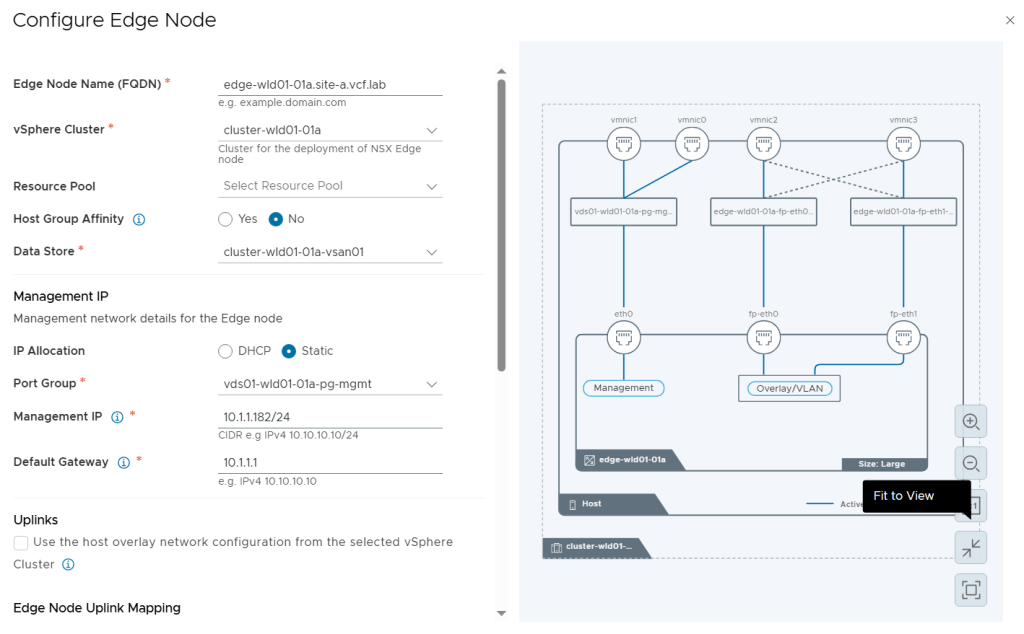
While configuring the Edge Nodes we get this nice diagram view on the right side showing us what it will look like.
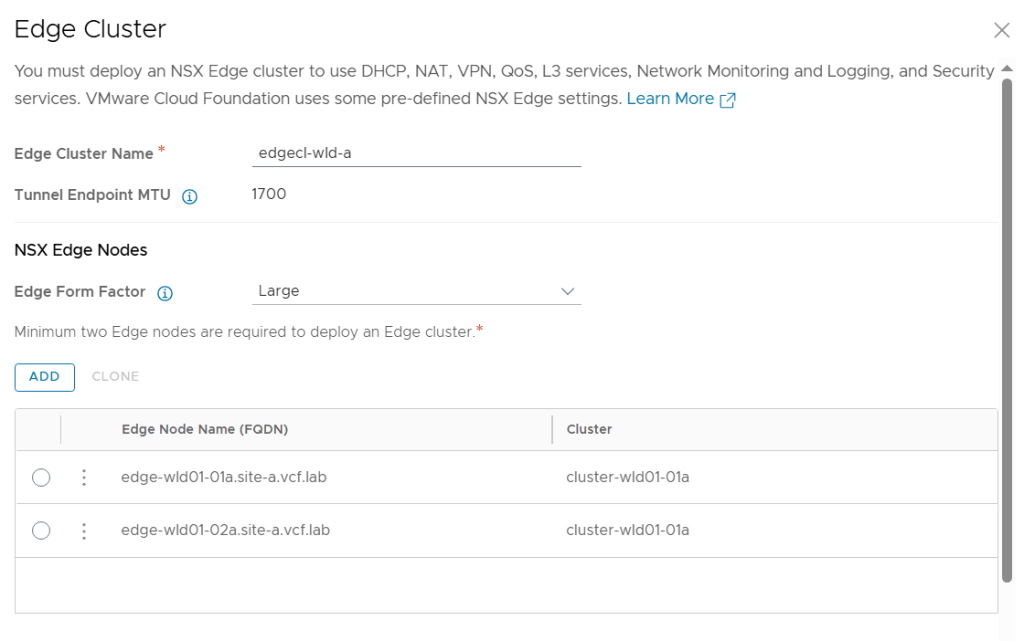
I configured two Large Edge Nodes.
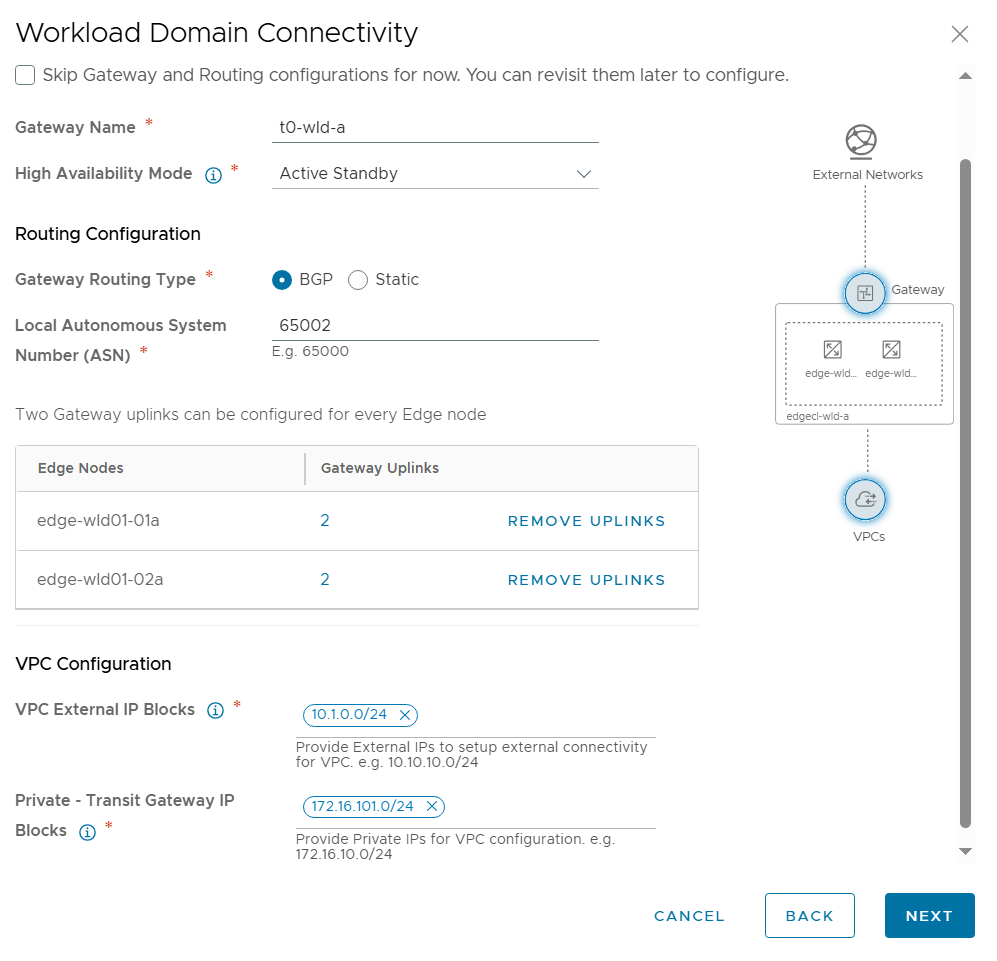
Next was to configure Workload Domain Connectivity. The Gateway Name here is the name of the Tier-0 Gateway in NSX to be created. Note that I selected Active Standby since that is also a requirement to use VCF Automation All Apps and the vSphere Supervisor.
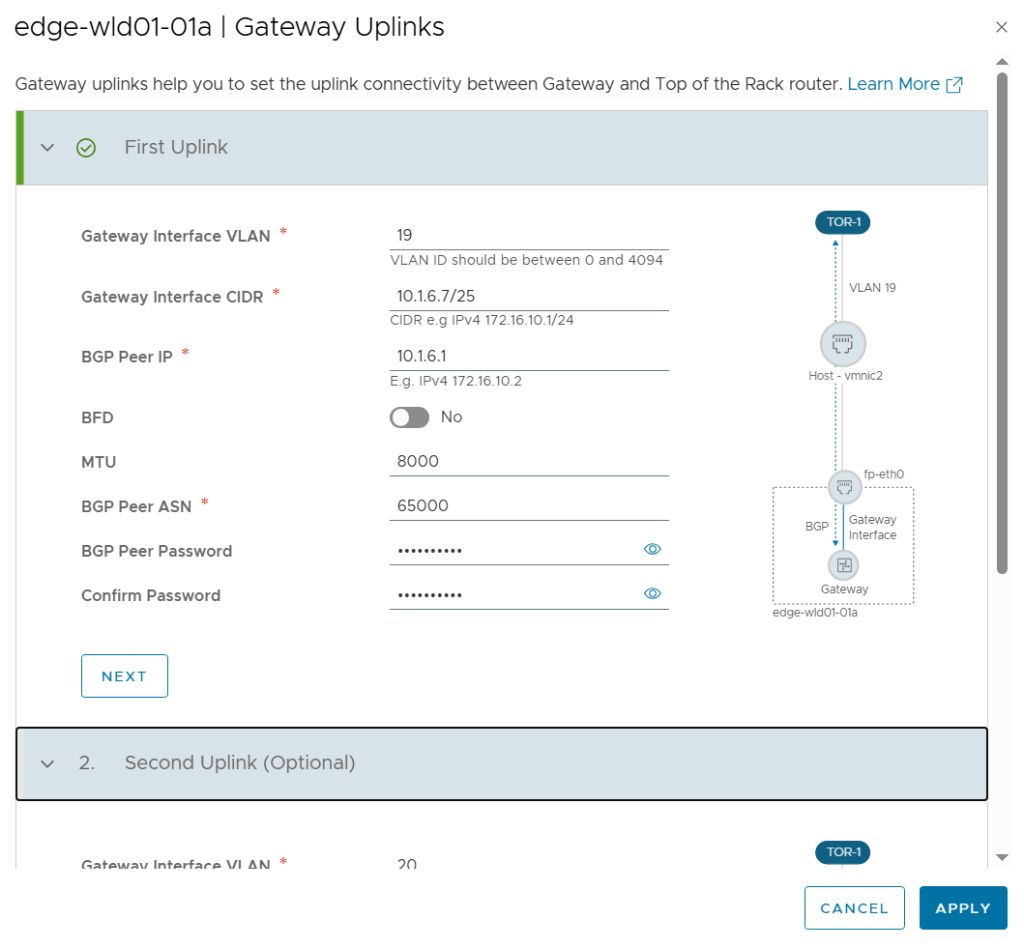
I also had to configure the Gateway Uplinks. This was pretty much the same as doing the configuration from SDDC Manager or from NSX Manager, but the terminology is a bit different. Gateway Interface was used to be called Uplink interface.
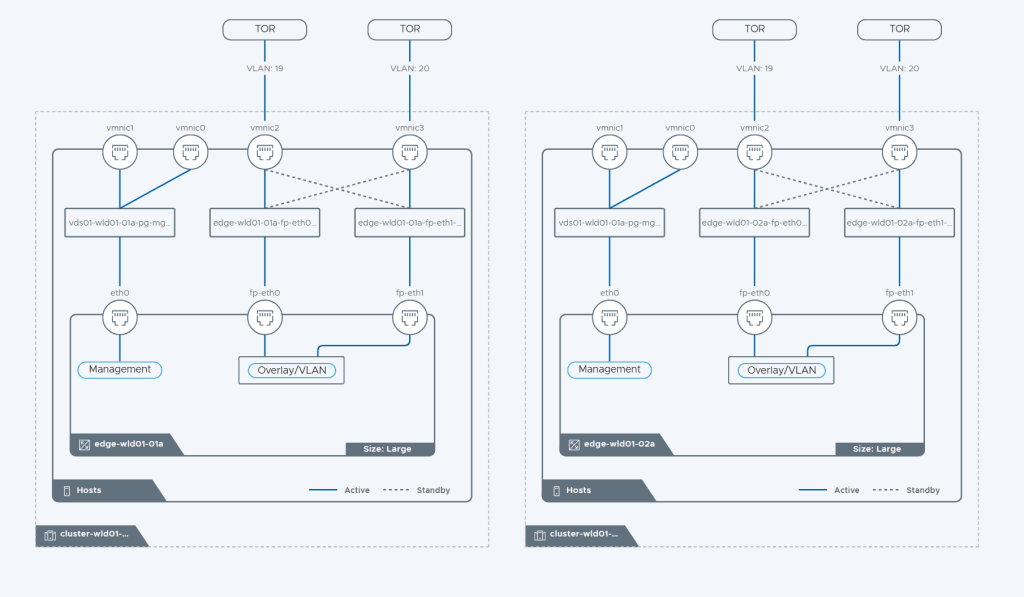
On the review page of the wizard we get this beautiful diagram showing us how the Edge Cluster will be built.
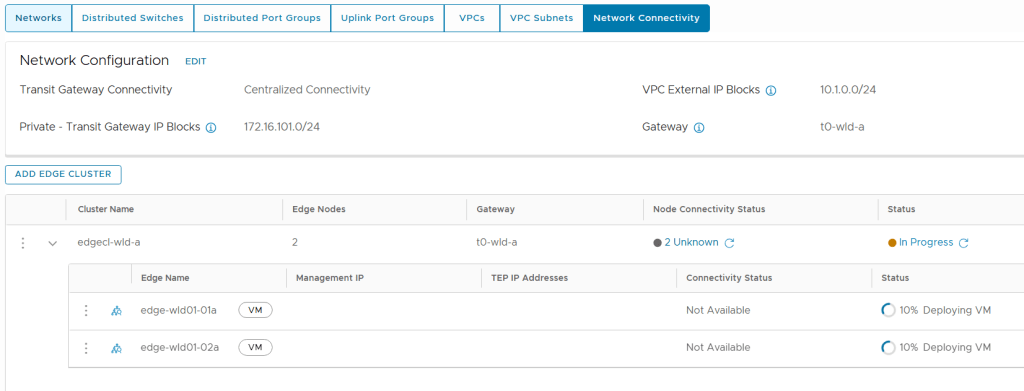
During deployment we can follow the status directly in the vSphere Client. But it is still NSX Manager who is doing all the heavy lifting here so we can also check status there.

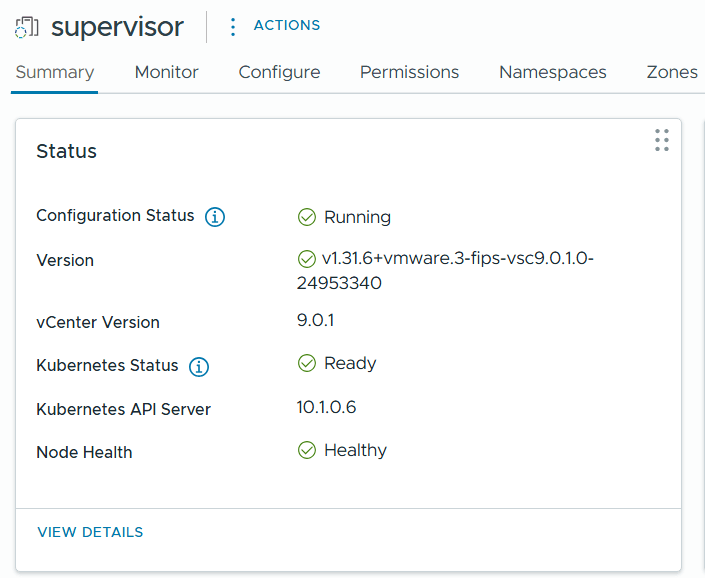
After a while the Edge Cluster deployment finished successfully and when checking Supervisor Management in the vSphere Client I could see that it was still configuring, but after some time that also completed successfully.
 CyberNils.net