I have a small two node vSAN cluster running at home on a couple of Intel NUCs. This cluster has been running vSphere 7 since it was born, but now I figured it was time to upgrade it to vSphere 8. I started with upgrading the vCenter Server by mounting the iso on my laptop, running the installer and selecting the Upgrade option.
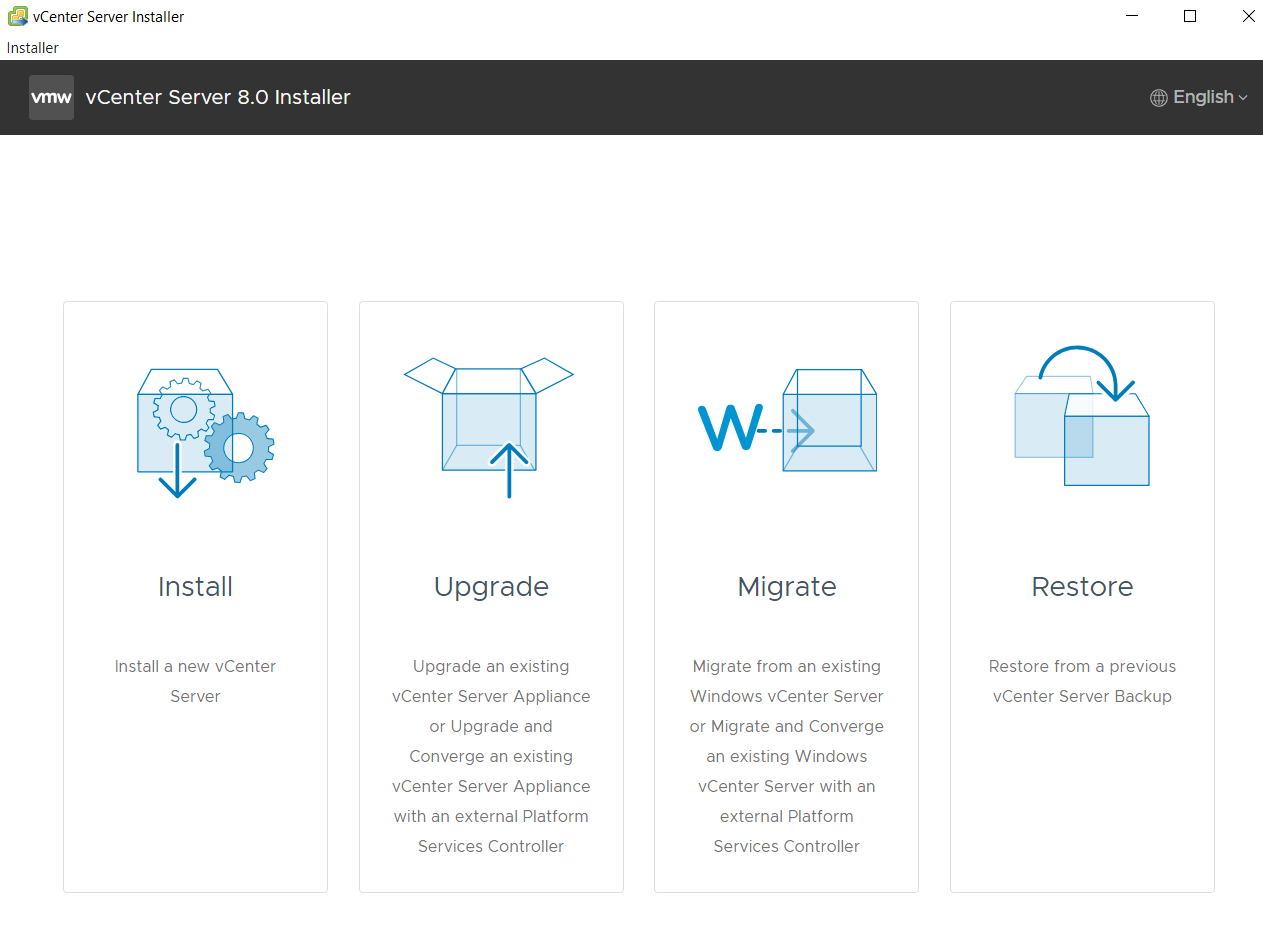
The process is quite straight forward but I will post the screenshots here in case anyone wants to see the steps required.
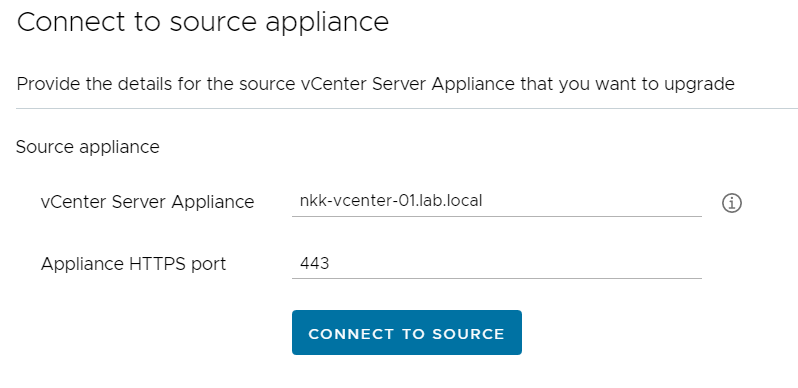
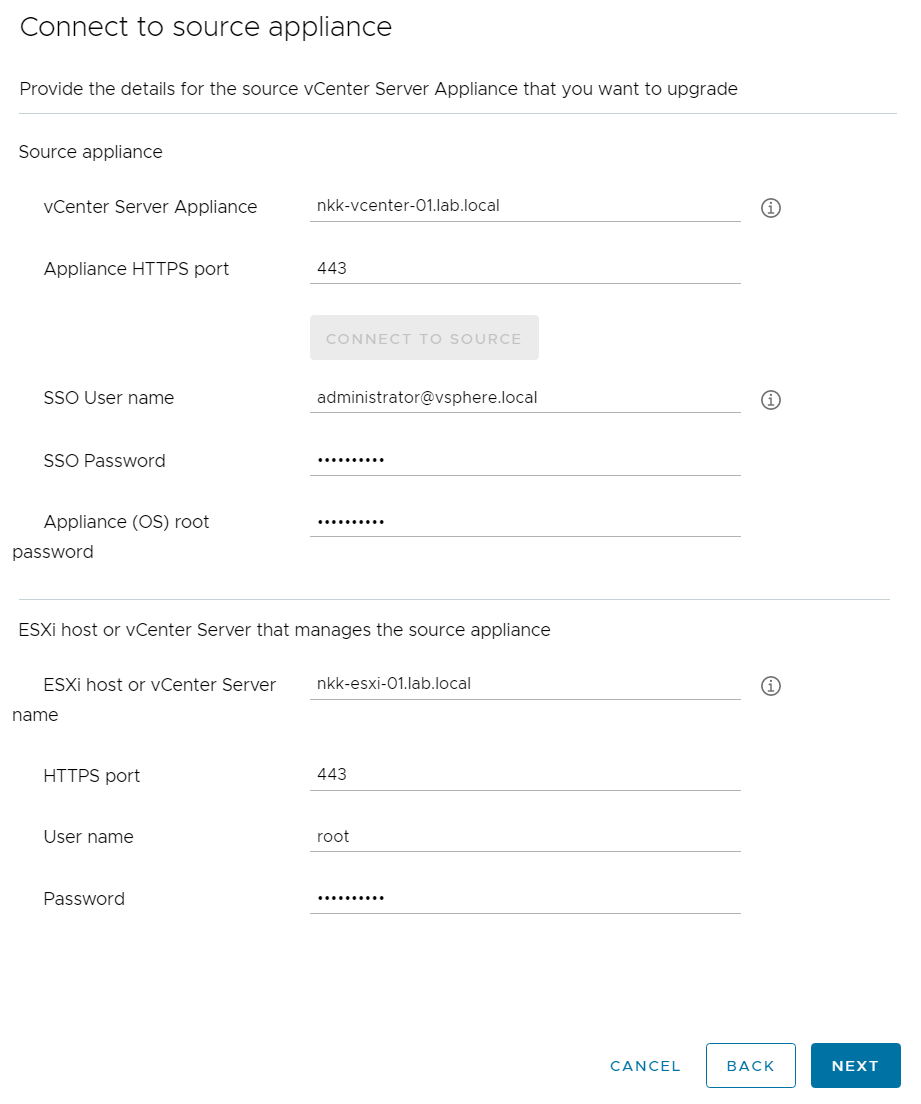
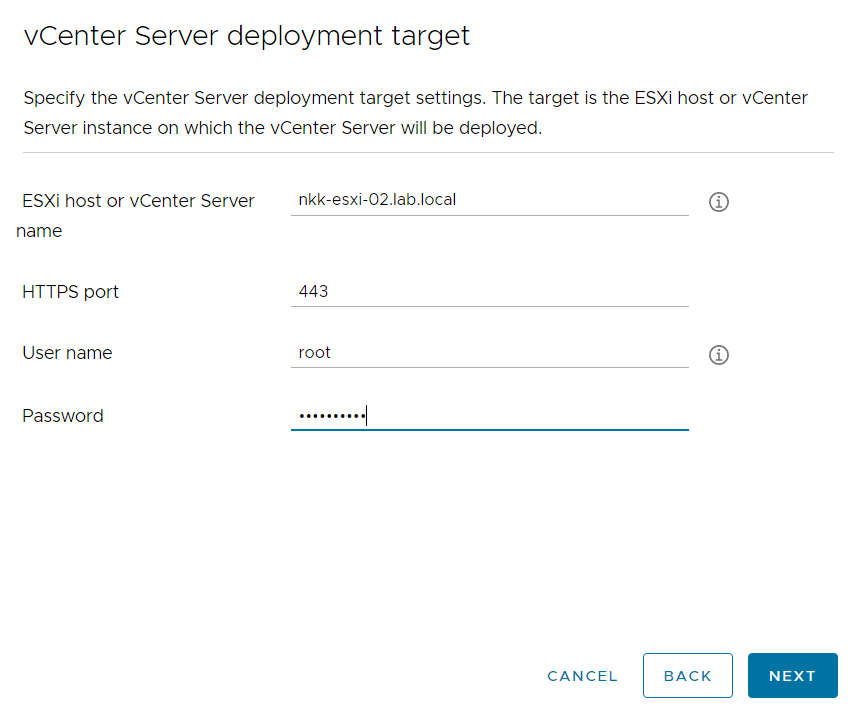
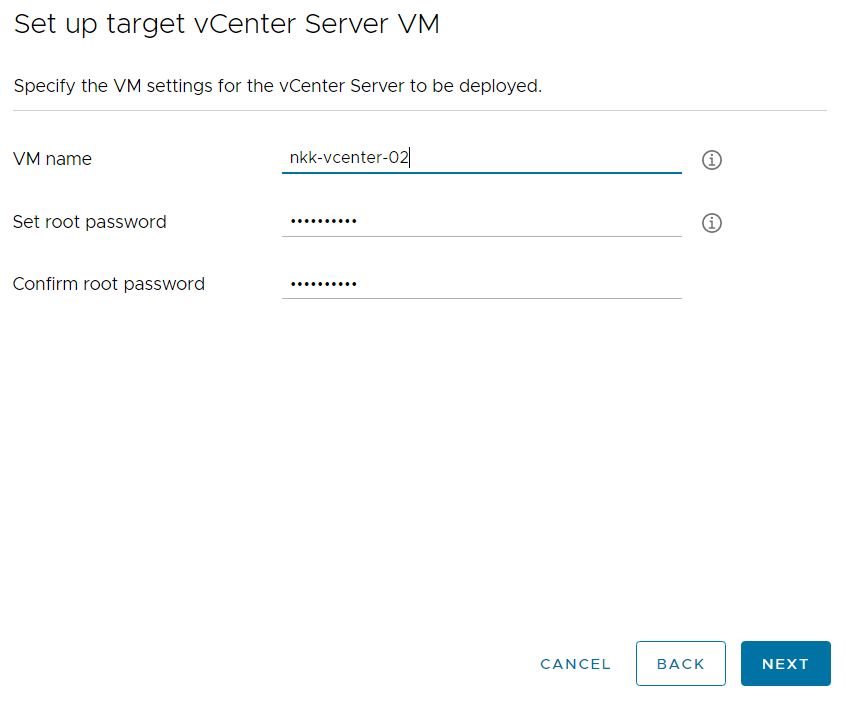
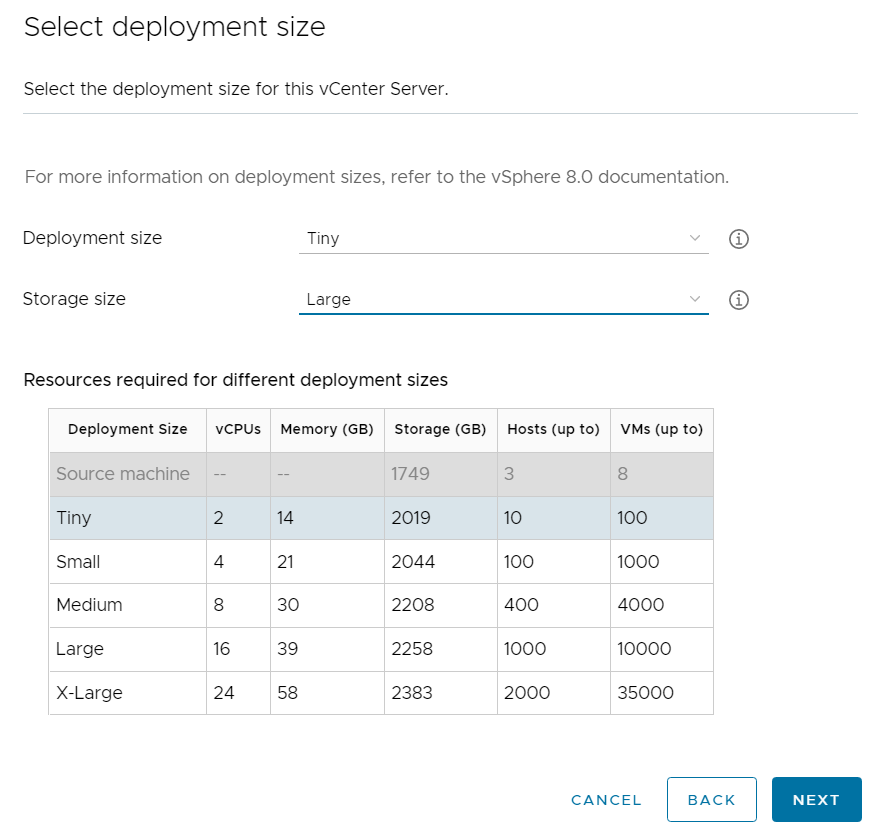
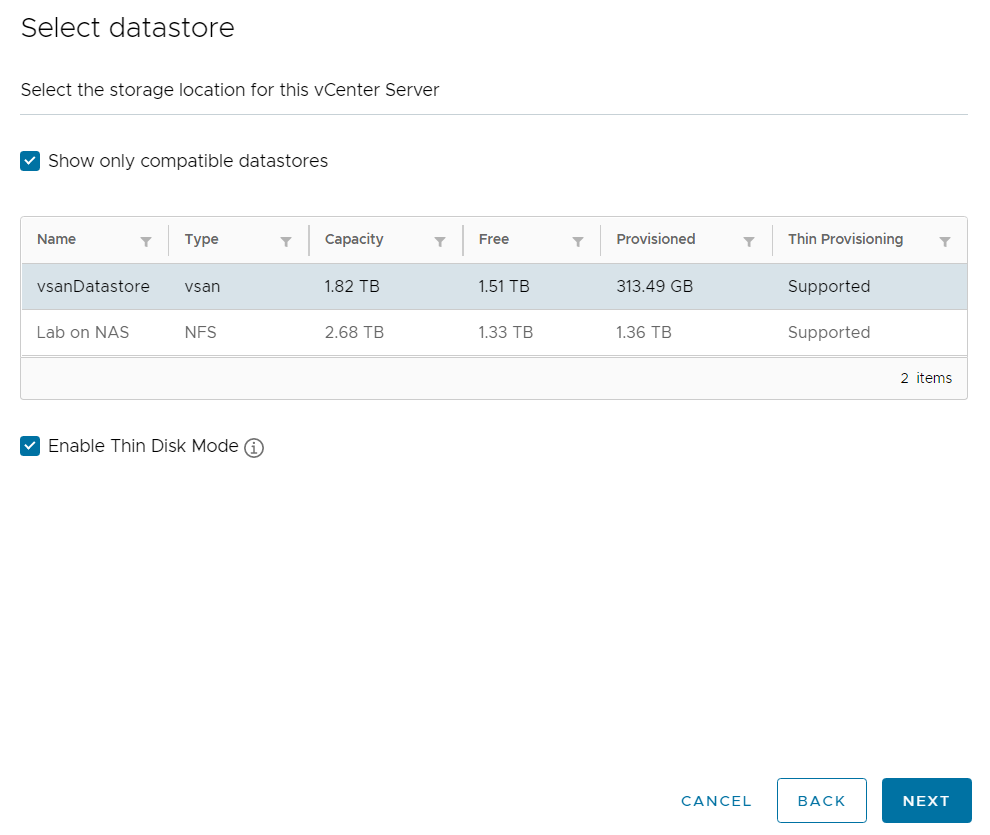
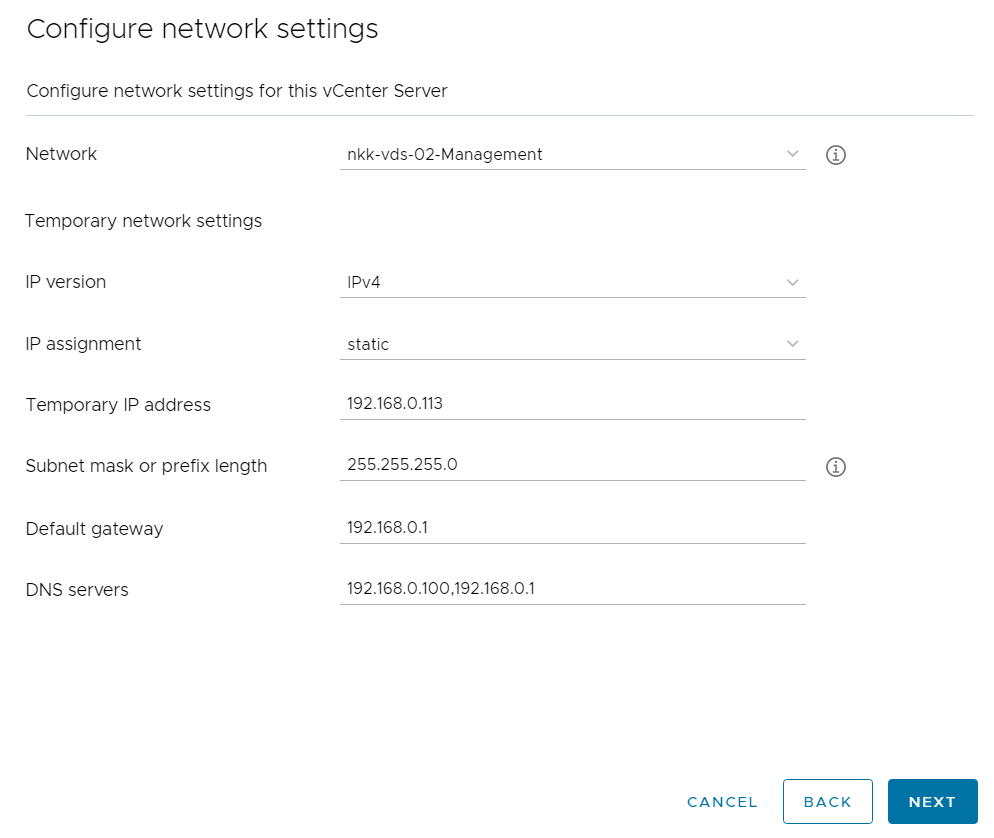
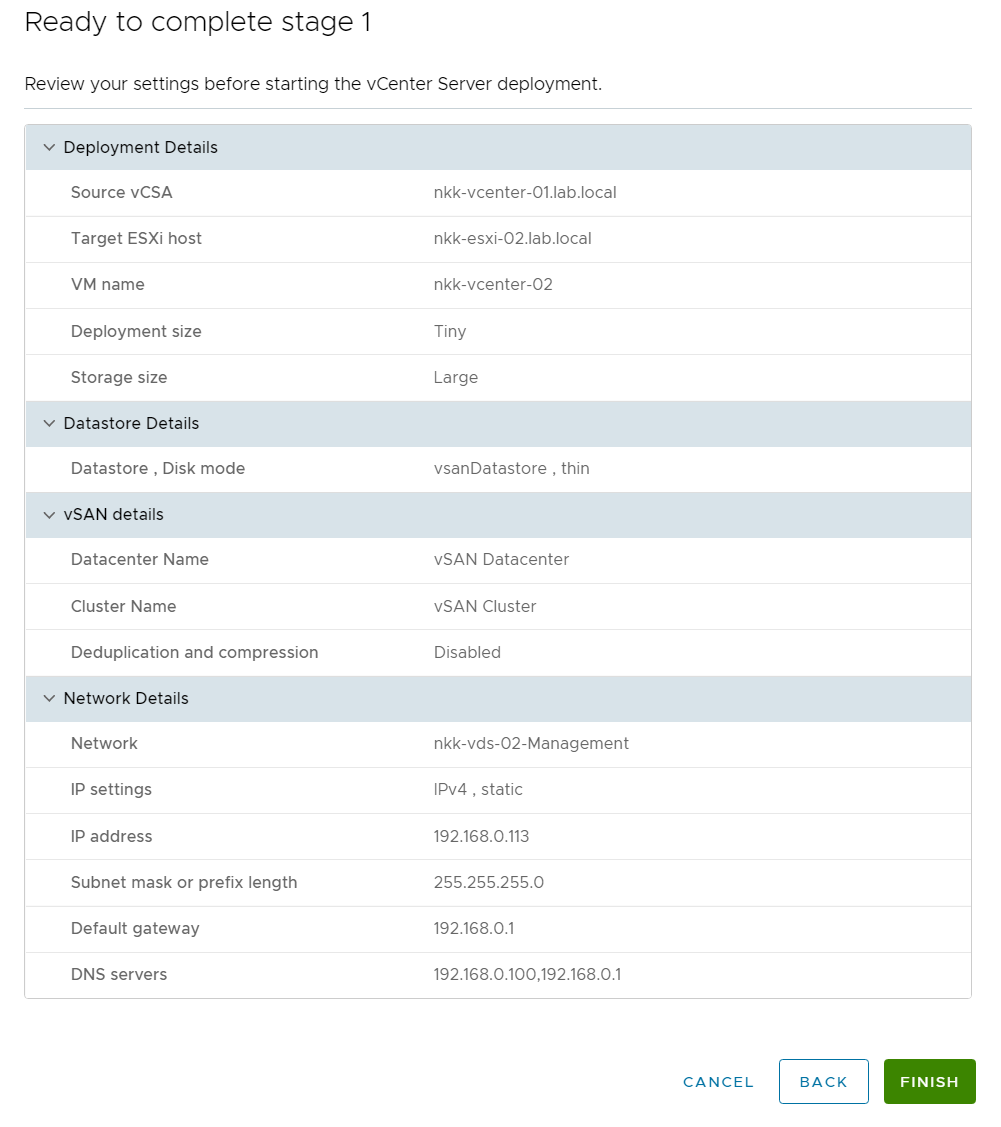
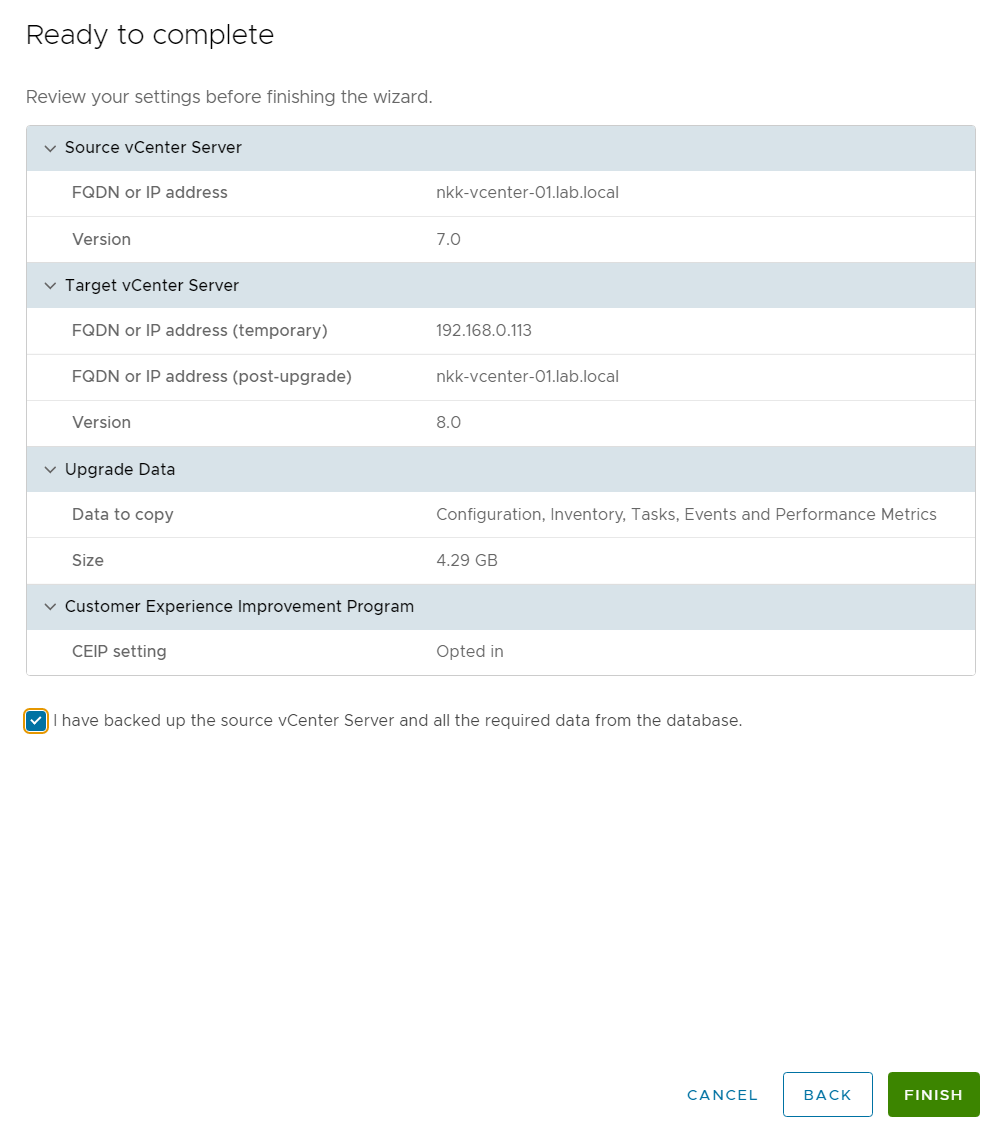
The vCenter upgrade completed successfully without any problems so I moved on to upgrading the ESXi hosts. Since vSphere Lifecycle Manager using Baselines is deprecated I wanted to change to using it with Images, meaning using a single image to manage all hosts in the cluster. A cluster in Baselines mode can be converted into a cluster in Images mode, so that is what I did.

The first try gave me the error below, but upgrading NSX to Version 4.0.1.1.0.20598726 solved this problem.

The second try gave me the following error, and this was solved by enabling trust for the Compute Manager in NSX Manager.

The third try successfully converted my cluster into Images mode.
You can see from the image below that NSX will be included in the upgraded image. Vmware-vmkusb-nic-fling will not be included but that will be installed manually after the upgrade, however I will try to figure out how to add this to the image at a later time since I use the USB Network Native Driver for ESXi fling and it would be nice not having to install it manually each time I upgrade.
I have also selected to only remediate the host named nkk-esxi-01 first and not the entire cluster. This way I can validate that the image works for my hosts before upgrading all of them. It is a common misunderstanding that this is not possible when managing the cluster with a single image.
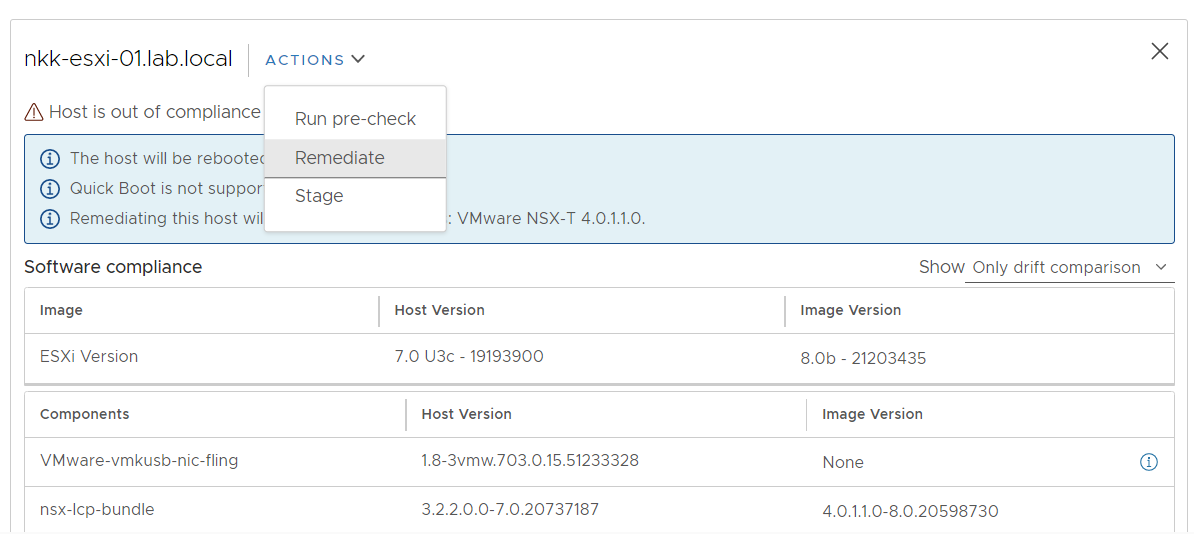
My first host was upgraded to ESXi 8.0b whitout any issues, so I went on and upgraded my second host as well as the vSAN witness host.
Since upgrading my lab to vSphere 8, several new updates came out, the latest being Update 1a for both vCenter and ESXi. I started with upgrading my vCenter to the latest version before moving on to planning the ESXi upgrade.
As mentioned before, I use the USB Network Native Driver for ESXi fling so I also wanted to figure out how to include this in my image prior to upgrading my ESXi hosts. This was done by going to Updates – Actions – Import Updates in Lifecycle Manager.
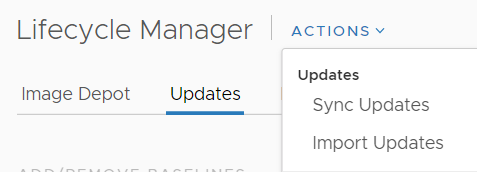
The driver can then be added to the image by selecting ADD COMPONENTS when editing the image.
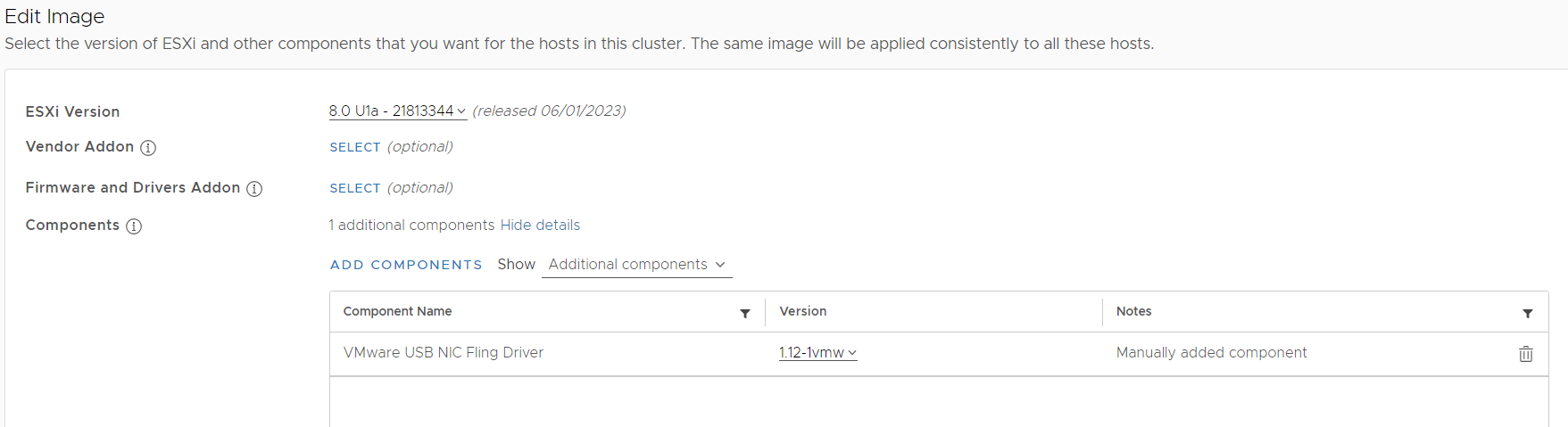
The image was now ready and I chose to remediate my first host.

After the first host was remediated successfully, I did the same with the rest of the hosts in the cluster including the vSAN Witness host.

 CyberNils.net